· Data Engineering · 4 min read
Migrating External Tables to Unity Catalog in Databricks
A strategic guide to migrating external tables into Databricks Unity Catalog, ensuring robust data governance, unified access control, and enhanced security.
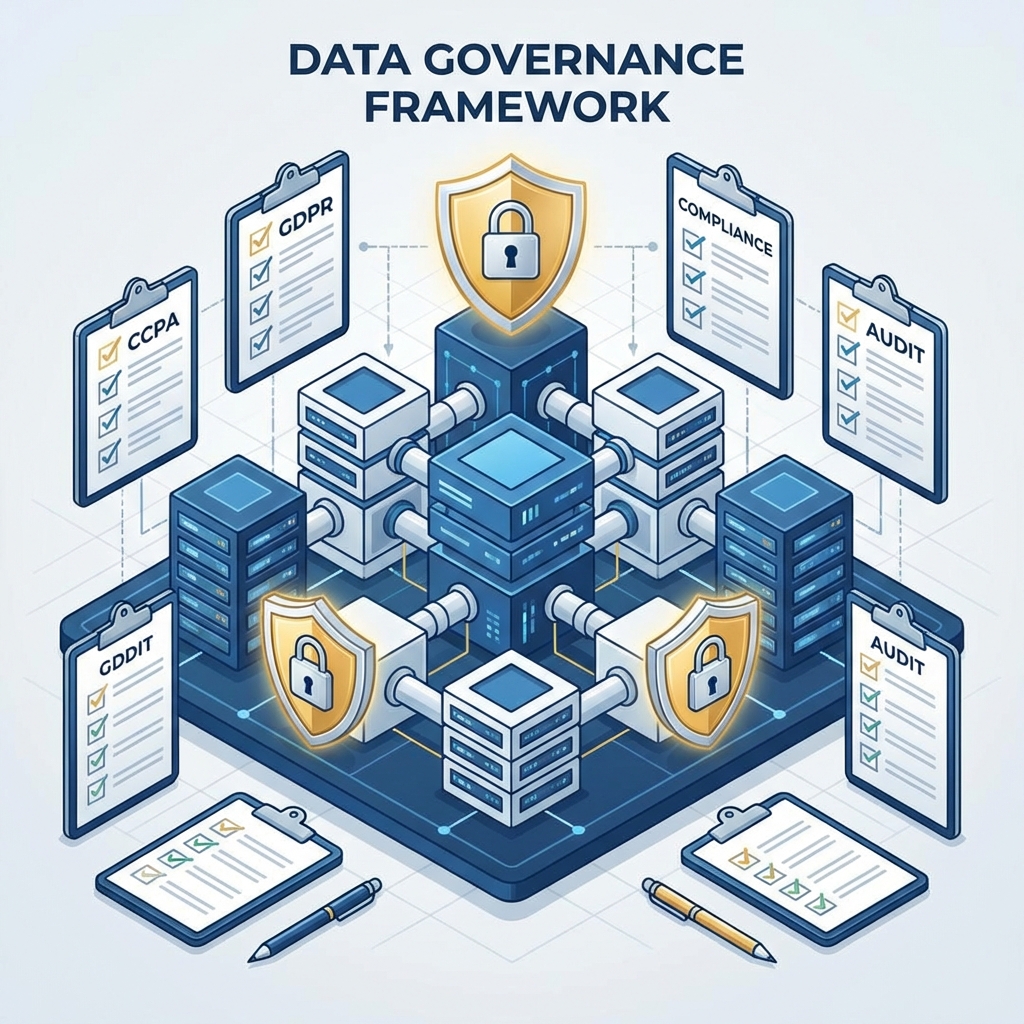
The transition to Databricks Unity Catalog represents a significant leap forward in data governance, offering a unified control plane for your entire data and AI estate. Normalising your architecture by migrating legacy external tables into Unity Catalog is a critical step for organisations seeking to monetise their data securely and efficiently.
Moving away from legacy Hive Metastore architectures requires a methodical approach to ensure continuity, preserve data lineage, and migrate permissions accurately. Here is a definitive guide to executing this migration flawlessly.
Understanding the Architectural Shift
Historically, Databricks relied on a workspace-level Hive Metastore, where external tables pointed directly to cloud storage (such as AWS S3, Azure Data Lake Storage, or Google Cloud Storage). Access control was fragmented, often relying on a mixture of cloud IAM roles and workspace-level permissions.
Unity Catalog centralises this architecture. It introduces a three-tier namespace (catalog, schema, table) and enforces a unified, fine-grained access control model across all workspaces.
Phase 1: Assessment and Preparation
Before initiating any data movement, a thorough assessment of your existing metastore is mandatory.
- Storage Credential Auditing: Identify all external storage locations currently in use. You must map these to Unity Catalog external locations and storage credentials.
- Dependency Mapping: Catalogue all workloads, notebooks, and automated pipelines that interact with your external tables. Hard-coded paths are a common point of failure during migrations and must be refactored.
- Data Quality Checks: Ensure that the underlying Parquet or Delta files are healthy and properly formatted. Unity Catalog imposes stricter validations on external data sources.
Phase 2: Configuring Unity Catalog Infrastructure
You must lay the correct foundational infrastructure within Unity Catalog before attaching your data.
- Create Storage Credentials: Define secure roles within your cloud provider that grant Databricks permission to read and write to your external storage buckets.
- Define External Locations: Map your storage buckets to external locations within Unity Catalog, assigning ownership and access grants to the appropriate data engineering groups.
- Establish the Namespace Hierarchy: Design your new catalog and schema structures. Avoid a simple “lift and shift” of your old architecture; instead, design for business domains (e.g. Finance, Marketing).
Phase 3: The Migration Process
Databricks provides several avenues for migrating external tables. The optimal choice depends on the size of your data and your acceptable downtime window.
- SYNC Tooling: The
SYNCcommand is a powerful utility that allows you to register existing Hive Metastore tables into Unity Catalog without copying the underlying data. This is often the preferred method for massive datasets where duplication is cost-prohibitive. - Deep Clone: For highly sensitive tables, performing a
DEEP CLONEinto a managed Unity Catalog table provides a clean break from legacy storage structures and enables features like table history and time travel. - CTAS (Create Table As Select): Useful when you need to restructure the data, change partitioning strategies, or alter formats during the migration itself.
Phase 4: Permissions and Governance Translation
The most complex aspect of the migration is translating your existing security model into Unity Catalog grants.
- Group Consolidation: Synchronise your Identity Provider (IdP) with the Databricks account console. Unity Catalog uses account-level identities, not workspace-level users.
- Role-Based Access Control: Recreate your access policies using standard SQL
GRANTandREVOKEstatements. This shift allows for a more declarative and auditable security posture. - Validation Testing: Run continuous integration tests as different user personas to mathematically verify that the new access model mirrors or improves upon the legacy permissions.
Conclusion
Migrating external tables to Unity Catalog is not just a technical upgrade; it is a foundational transformation of how your business governs its data. A meticulously planned migration minimises disruption while maximising the security and discoverability of your most valuable assets.
Is your data stack slowing you down? The wrong architecture can cost thousands in wasted compute and engineering hours. Book a Data Architecture Assessment.


